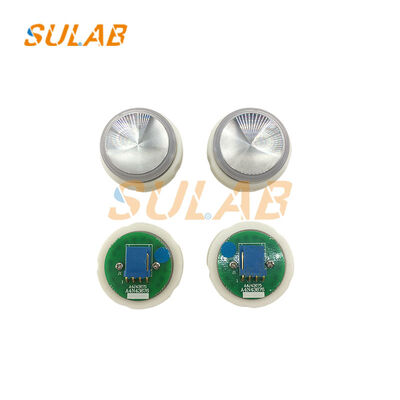
A4N43676 Κουμπί πίεσης ανελκυστήρα με σταθερό ευαίσθητο στο άγγιγμα, ανθεκτικό στην φθορά και ανθεκτικό στο ανελκυστήρα
-
Επισημαίνω
Σταθερό ευαίσθητο στο άγγιγμα κουμπί πιέσης ανελκυστήρα
,Κουμπί κλήσης ανθεκτικός στην φθορά
,Ανθεκτικό κουμπί ελέγχου ανελκυστήρα
-
ΜάρκαSULAB
-
ΠεριγραφήΕξαρτήματα ανελκυστήρα
-
ΜοντέλοA4N43676
-
MOQ1 ΤΕΜ
-
ΜεταφορέςTNT, UPS, DHL, Fedex, Air, Sea
-
ΕφαρμόσιμοςΑνελκυστήρας
-
ΠακέταΧαρτοκιβώτιο, Ξύλινη θήκη, Παλέτα κ.λπ
-
Χρόνος παράδοσηςΚανονικά 2-3 εργάσιμες ημέρες μετά την πληρωμή
-
ΕγγύησηΈνα χρόνο
-
Τρόπος πληρωμήςΤράπεζα εταιρείας, Western Union, Paypal κ.λπ
-
ΜάρκαSULAB
-
Αριθμό μοντέλουA4N43676
-
Ποσότητα παραγγελίας min1 ΤΕΜ
-
Χρόνος παράδοσηςΚανονικά 2-3 εργάσιμες ημέρες μετά την πληρωμή
-
Όροι πληρωμήςL/C,D/A,D/P,T/T,Western Union
A4N43676 Κουμπί πίεσης ανελκυστήρα με σταθερό ευαίσθητο στο άγγιγμα, ανθεκτικό στην φθορά και ανθεκτικό στο ανελκυστήρα
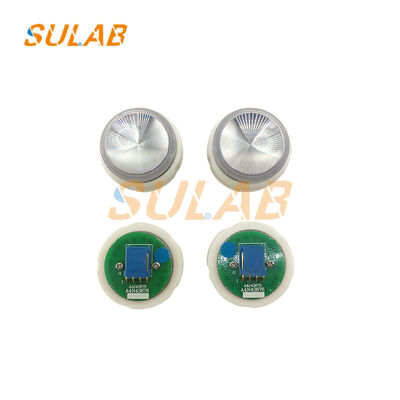
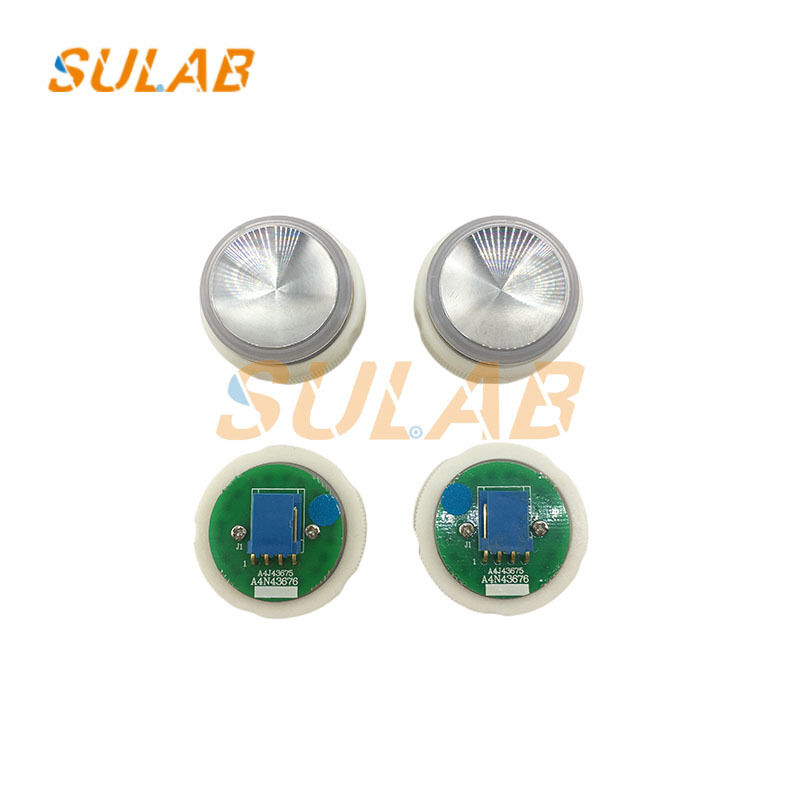
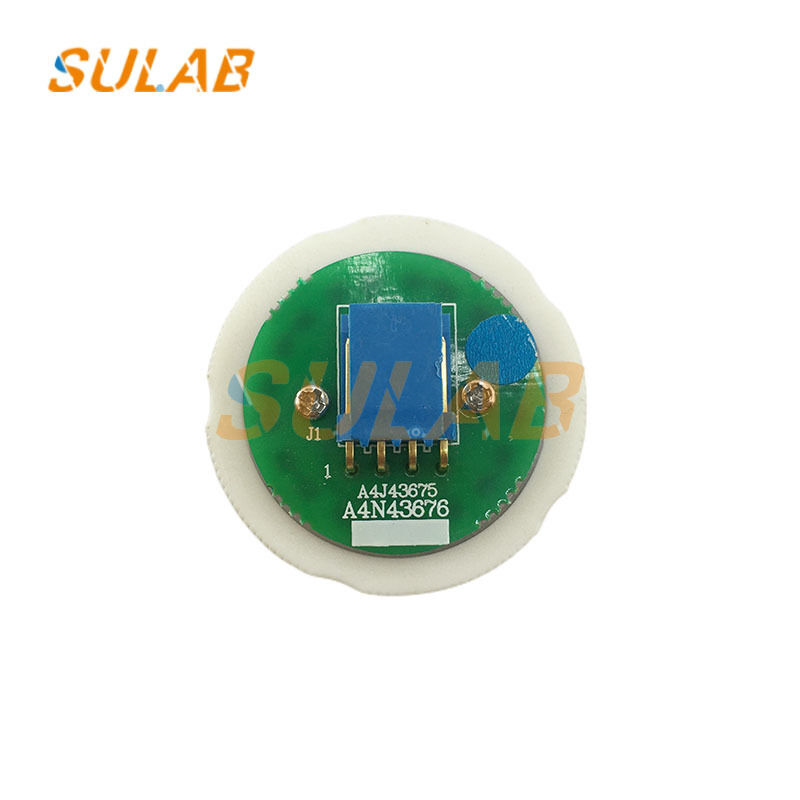
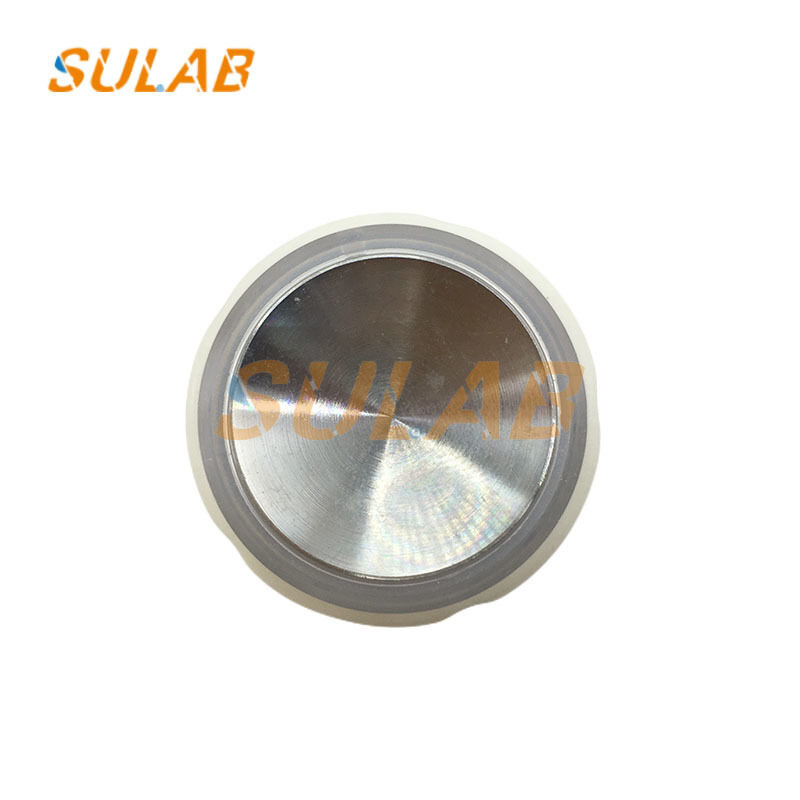
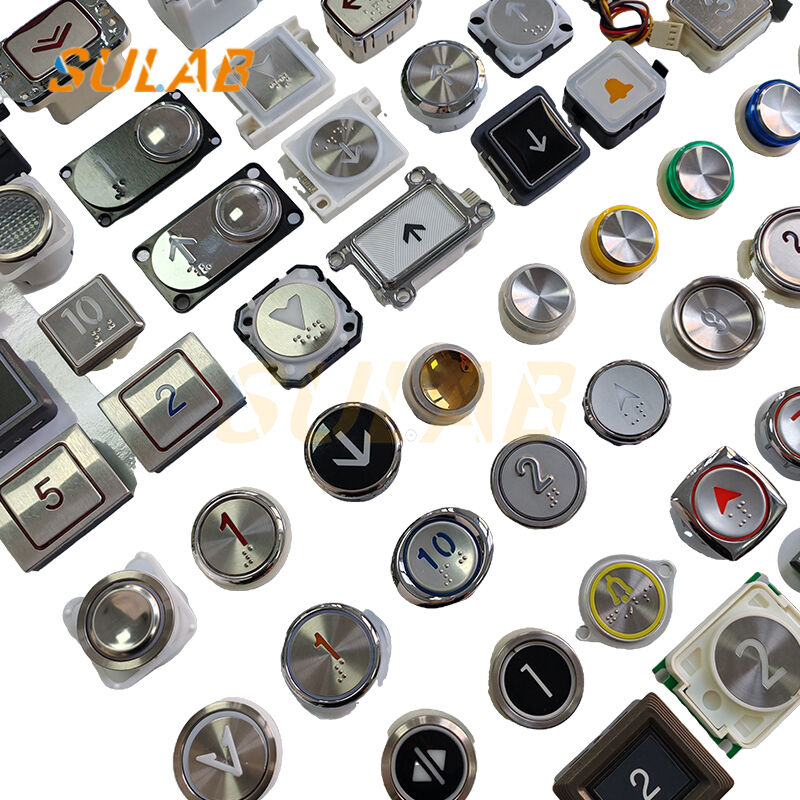
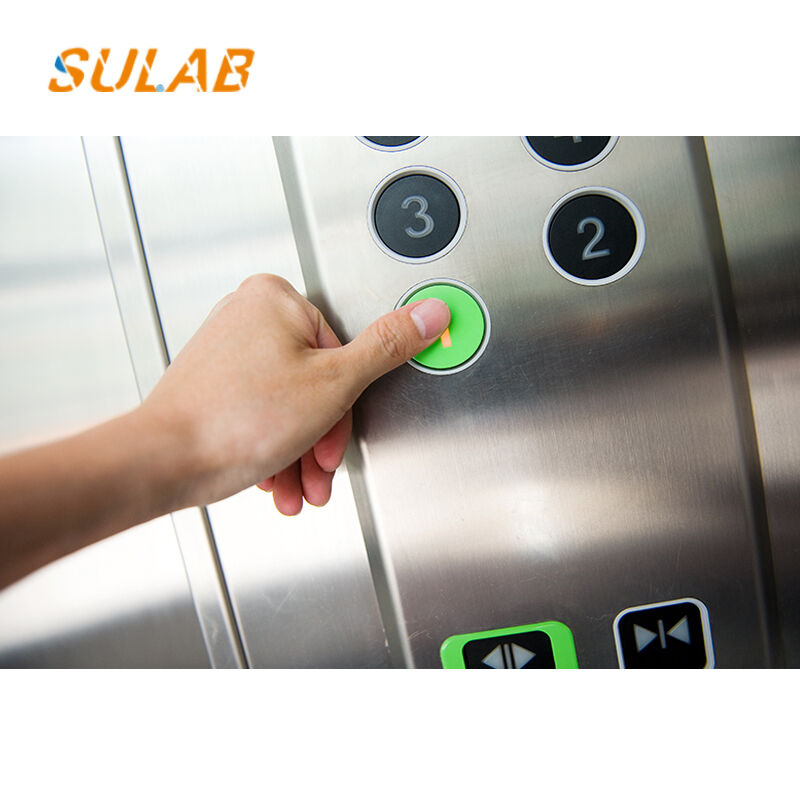
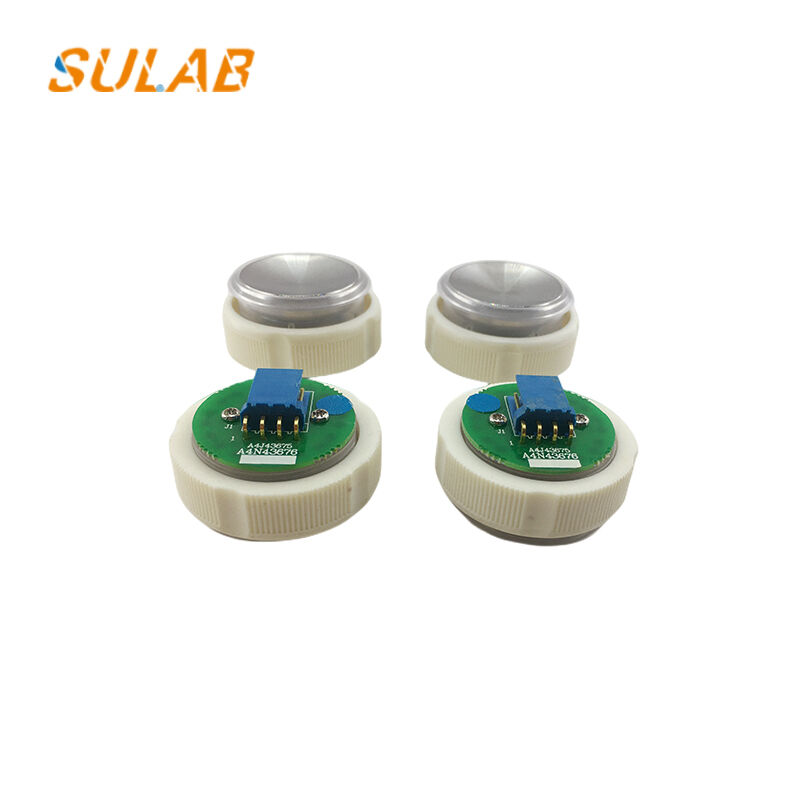
A4N43676 Ανταλλακτικό κουμπιού ανελκυστήρα, σταθερό κουμπί κλήσης με ευαίσθητο στην αφή για πίνακα χειρισμού θαλάμου ανελκυστήρα Πίνακας προσγείωσης Hall, Αξεσουάρ κουμπιών ελέγχου ανύψωσης ανθεκτικά στη φθορά
Βήματα εγκατάστασης
- Διακόψτε πρώτα την τροφοδοσία του ανελκυστήρα για ασφάλεια.
- Αφαιρέστε το παλιό κατεστραμμένο κουμπί από την οπή στερέωσης του πίνακα.
- Ευθυγραμμίστε τη νέα πόρπη κουμπιού με τη θέση της οπής.
- Πιέστε σταθερά για να κουμπώσετε το κουμπί σφιχτά στερεωμένο στο πάνελ.
- Συνδέστε σωστά την εσωτερική καλωδίωση σήματος.
- Επαναφέρετε την ισχύ και δοκιμάστε τη λειτουργία πίεσης.
Μάρκα SULAB Περιγραφή Ανελκυστήρας εξαρτήματα Μοντέλο A4N43676 MOQ 1 ΤΕΜ Μεταφορές TNT, UPS, DHL, Fedex, Air, Sea Εφαρμόσιμος Ανελκυστήρας Πακέτα Χαρτοκιβώτιο, Ξύλινη θήκη, Παλέτα κ.λπ Χρόνος Παράδοσης Κανονικά 2-3 εργάσιμες ημέρες μετά την πληρωμή Εγγύηση Ένα χρόνο Τρόπος πληρωμής Τράπεζα εταιρείας, Western Union, Paypal κ.λπ
Προφυλάξεις
- Πρέπει να απενεργοποιηθεί πριν την εγκατάσταση για να αποφευχθεί
- Διατηρήστε τη σωστή σύνδεση της καλωδίωσης, αποτρέψτε την αστοχία του σήματος.
- Βεβαιωθείτε για σταθερή τοποθέτηση, αποφύγετε τη χαλάρωση ή την πτώση.
- Μην πιέζετε βίαια την επιφάνεια του κουμπιού.
- Ελέγξτε την ευαισθησία μετά την εγκατάσταση για να εξασφαλίσετε κανονικό σήμα κλήσης.
Σχετικά προϊόντα
Τα προϊόντα μας πωλούνται σε όλο τον κόσμο. Μπορείτε να είστε σίγουροι για ολόκληρη τη διαδικασία των προϊόντων μας.
